%20--%3e%3cdefs%20id='defs1'%3e%3cstyle%20id='style1'%3e%20.st0%20{%20fill:%20%233d6db5;%20}%20.st1%20{%20fill:%20%231c3b6b;%20}%20.st2%20{%20fill:%20%23fff;%20stroke:%20%23231f20;%20stroke-miterlimit:%2010;%20stroke-width:%20.2px;%20}%20.st3%20{%20fill:%20%23a0bddf;%20}%20%3c/style%3e%3c/defs%3e%3cg%20id='g5'%20style='display:inline'%20transform='translate(-40.6,-37.6)'%3e%3cpolygon%20class='st0'%20points='138.3,37.6%20206.8,105.9%20402.6,105.7%20343.3,165%20206.5,165%20138.4,233.1%2040.6,135.4%20'%20id='polygon4'%20/%3e%3cpolygon%20class='st0'%20points='359.5,203.5%20427.6,135.3%20525.4,233.1%20427.7,330.9%20359.2,262.5%20163.1,262.8%20222.6,203.5%20'%20id='polygon5'%20/%3e%3c/g%3e%3c/svg%3e)
%20--%3e%3cdefs%20id='defs1'%3e%3cstyle%20id='style1'%3e%20.st0%20{%20fill:%20%233d6db5;%20}%20.st1%20{%20fill:%20%231c3b6b;%20}%20.st2%20{%20fill:%20%23fff;%20stroke:%20%23231f20;%20stroke-miterlimit:%2010;%20stroke-width:%20.2px;%20}%20.st3%20{%20fill:%20%23a0bddf;%20}%20%3c/style%3e%3c/defs%3e%3cpath%20class='st0'%20d='m%20177.7,11.4%20h%20-59.5%20v%2073.9%20h%2059.5%20V%2072.5%20H%20131.8%20V%2024.2%20h%2045.9%20z%20m%20-7.9,43.3%20V%2041.9%20h%20-24.7%20l%20-4.3,12.8%20h%2029.1%20z%20M%20247.3,42.2%20C%20237.2,39%20228,36.7%20228,29.7%20c%200,-7%205,-7.7%2015.3,-7.7%2010.3,0%2014.9,2.3%2022.5,6.6%20L%20272.5,18%20C%20262.8,12.4%20254,9.9%20244,9.9%20c%20-10,0%20-17.4,2%20-22.7,5.8%20-4.9,3.6%20-7.4,8.6%20-7.4,14.5%200,14.9%2014.4,19.4%2027.2,23.4%209.8,3.1%2018.8,5.6%2018.8,12.4%200,6.8%20-6.6,8.7%20-16.7,8.7%20-10.1,0%20-16.4,-2.6%20-23.9,-6.8%20l%20-6.9,10.9%20c%209.7,5.6%2019.3,8.2%2030.2,8.2%2016,0%2031.4,-5.5%2031.4,-21.9%200,-16.4%20-14.2,-18.9%20-26.6,-22.8%20z%20m%2078.1,-30.8%20h%20-13.6%20v%2051.9%20l%2013.6,-4.6%20V%2011.5%20Z%20m%2038.2,73.8%20V%2072.4%20h%20-51.9%20v%2012.8%20z%20m%2095,-73.8%20h%20-59.5%20v%2073.9%20h%2059.5%20V%2072.5%20H%20412.7%20V%2024.2%20h%2045.9%20z%20m%20-7.9,43.3%20V%2041.9%20H%20426%20l%20-4.3,12.8%20h%2029.1%20z%20M%20564.9,11.4%20537.1,52.7%20507.7,11.4%20h%20-10.5%20v%2073.9%20h%2013.6%20V%2037.2%20l%2022.6,31.9%20h%207.5%20l%2038.7,-57.7%20h%20-14.8%20z%20m%20-0.4,73.8%20H%20578%20V%2031.3%20L%20564.5,51.5%20Z%20M%20679.6,11.4%20h%20-59.5%20v%2073.9%20h%2059.5%20V%2072.5%20H%20633.7%20V%2024.2%20h%2045.9%20z%20m%20-7.9,43.3%20V%2041.9%20H%20647%20l%20-4.3,12.8%20h%2029.1%20z%20M%20778.6,24.2%20V%2011.4%20h%20-65.3%20v%2012.8%20z%20m%20-39.4,61%20h%2013.5%20V%2032.4%20L%20739.2,37%20Z%20M%20853.5,24.9%20h%200.1%20c%206.8,0%2012.2,5.4%2012.2,11.9%200,6.5%20-7.3,14.2%20-18.4,14.2%20h%20-10.5%20l%2029.3,34.2%20h%2016.9%20L%20861.5,60.1%20c%2010.6,-3.2%2017.9,-12.4%2017.9,-23.2%200,-10.8%20-11.5,-25.5%20-25.8,-25.5%20h%20-38.9%20v%2073.9%20h%2013.6%20V%2025%20h%2025.1%20z%20M%20981.4,11.4%20957.5,46.7%20949.7,35.2%20965.9,11.4%20Z%20M%20951.3,74.5%20V%2053.1%20L%20923.2,11.4%20h%20-15.5%20l%2030,44.5%20V%2074.6%20L%20926.9,85.4%20944.5,103%20962.1,85.4%20951.3,74.6%20Z%20M%2055.5,85.2%20H%2041.9%20V%2032.3%20H%2055.5%20Z%20M%2028.3,10.8%2017.5,0%200,17.5%2017.5,35%2028.3,24.3%20h%2048.5%20l%204.6,-13.5%20z'%20id='path1'%20/%3e%3c/svg%3e)
Full control of your Powerwall and Tesla, wherever you automate

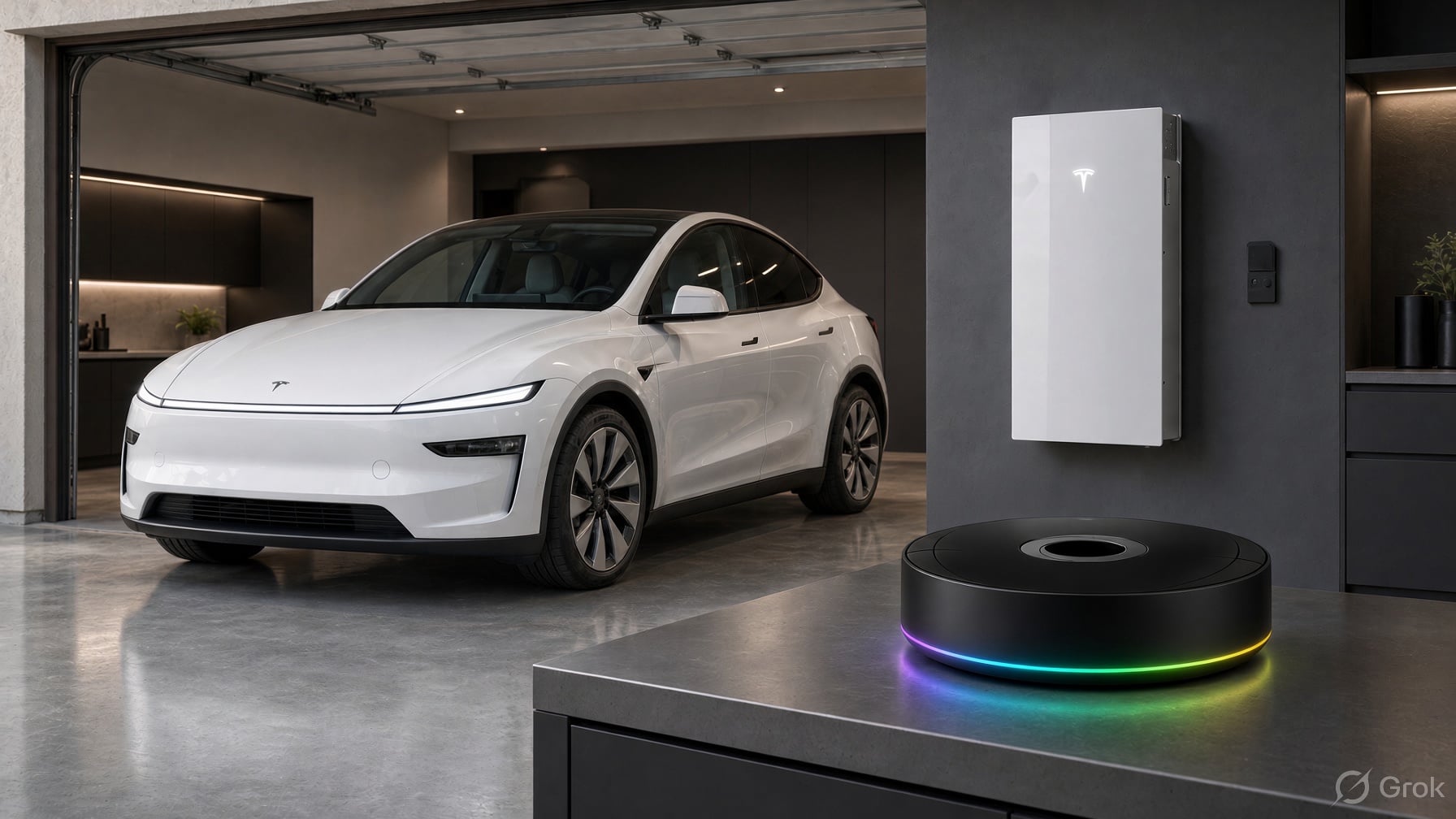
A few weeks ago I wrote about being able to force charge and force discharge a Powerwall for the first time. That was one command, in one client. The goal since then has been bigger: whichever home automation platform you use, you should be able to do everything with your Powerwall and your Vehicle that the hardware allows, from your own automations, and over your local network wherever possible.
This week a lot of that landed at once. Here's what "full control" means now, and where to find it in Home Assistant, Homey, Node-RED and n8n.
What full control means
- Every command. Every (safe) vehicle and energy site command is in the Teslemetry API. If the API can do it, your automation can.
- Local first. Powerwall commands go straight to the Powerwall on your local network when your client is paired with it, and fall back to the cloud only when they need to. Vehicle commands can go over Bluetooth in Home Assistant and Homey. Local commands are faster, keep working when the internet doesn't, and don't use command credits.
- Island mode. Take your home off the grid and reconnect it from an automation, the same as the Go Off-Grid button in the Tesla app.
- Battery dispatch. Charge or discharge the Powerwall at a power you choose (up to 10kW) for as long as you choose, then let it go back to normal by itself.
- Charge on Solar. Turn on Tesla's Charge on Solar for your car, so it charges from excess solar and stops when the excess runs out, with a lower limit so it never sits too low.
Keys to the kingdom required
Some energy commands, including island mode and battery dispatch, have to be signed with a key your Powerwall trusts. There are two ways to get that:
- Pair your client with the gateway on your local network. Commands go direct, and this is the fastest option.
- Pair Teslemetry with your Powerwall from Powerwall setup on your energy site in the Console. Teslemetry then signs those commands for you through the cloud, so they work from anywhere, and from clients that can't reach your gateway.
Either way you need physical access to the Powerwall once, to flick its switch off and on to approve the key. With both set up, clients that support local control try the gateway first and use Teslemetry as the fallback.
Home Assistant
Home Assistant already has the most local control of any client. Bluetooth vehicle control and local Powerwall control shipped in 2026.10, and 2026.11 added two more:
- Dispatch battery power and Resume battery operation actions charge or discharge your Powerwall locally, at a set power for a set time.
- A Charge on solar switch and Charge on solar lower limit number for each vehicle, behind a Labs preview. Turn it on under Settings > System > Labs. The upper limit is the car's existing charge limit.
# Charge from excess solar, but never let the car sit below 50%
- action: number.set_value
  target:
    entity_id: number.YOUR_VEHICLE_charge_on_solar_lower_limit
  data:
    value: 50
- action: switch.turn_on
  target:
    entity_id: switch.YOUR_VEHICLE_charge_on_solar
Homey
Homey has caught up fast. Version 1.7.0 brought local control: turn on Connect over the local network in the Powerwall's settings, or Connect over Bluetooth in the car's, and commands go straight to the device. 1.8.0 added Flow cards to charge or discharge the Powerwall at a set power for a set number of minutes, and to resume normal operation early.
Homey 1.9.0 adds:
- Go off-grid and Reconnect to the grid Flow cards on the Gateway device, sent straight to the gateway when the local connection is on, and otherwise through Teslemetry. If the Powerwall refuses, for example because the charge is too low, the card fails with the reason, rather than failing silently.
- Charge on Solar Flow cards to turn it on or off for your car, with a lower limit.
Put them in any Flow you like, and use the existing Island mode activated and Island mode deactivated triggers to know when the change has taken effect.
Homey Flow cardsNode-RED
Node-RED got the biggest change. The Vehicle Command and Energy Command nodes now list every Teslemetry API command, grouped, with the credit cost shown, and a field for each argument. Each field can be a fixed value or come from msg, flow, global, an environment variable or JSONata, and arguments are checked against the API's allowed values before anything is sent. Nodes you've already built keep working unchanged.
The Energy Command node also has a Route setting:
- Automatic sends to your Local gateway first and falls back to the cloud, as before.
- Local only never touches the cloud.
- Cloud only never uses your local network.
Island mode is in there too, local first through your gateway. You can also run any command by name from a Function node:
// Charge the Powerwall at 5 kW for 30 minutes
msg.command = "dispatch_battery_power";
msg.payload = { power_watts: -5000, duration_seconds: 1800 };
return msg;
There's a Charge on Solar example flow to get you started under Import > Examples.
Vehicle commandsEnergy commandsn8n
n8n sends its commands through the cloud. The Energy node now has a Set Island Mode operation to go off-grid or reconnect to the grid. It lists only the sites Teslemetry is paired with, since those are the ones it can sign the command for.
n8n Energy nodeNo platform at all
If you don't run any of these, Teslemetry now has its own automations. They run vehicle and Powerwall commands on a schedule, or when your car's telemetry changes, with nothing running at home. They're in alpha, and you'll find them in the Console under Utilities > Automations.
What's next
The goal is to keep finding and exposing every command surface we can, so that Teslemetry is the best way to take full control of your Tesla products.
As always, let me know what you build with it on Discord.