%20--%3e%3cdefs%20id='defs1'%3e%3cstyle%20id='style1'%3e%20.st0%20{%20fill:%20%233d6db5;%20}%20.st1%20{%20fill:%20%231c3b6b;%20}%20.st2%20{%20fill:%20%23fff;%20stroke:%20%23231f20;%20stroke-miterlimit:%2010;%20stroke-width:%20.2px;%20}%20.st3%20{%20fill:%20%23a0bddf;%20}%20%3c/style%3e%3c/defs%3e%3cg%20id='g5'%20style='display:inline'%20transform='translate(-40.6,-37.6)'%3e%3cpolygon%20class='st0'%20points='138.3,37.6%20206.8,105.9%20402.6,105.7%20343.3,165%20206.5,165%20138.4,233.1%2040.6,135.4%20'%20id='polygon4'%20/%3e%3cpolygon%20class='st0'%20points='359.5,203.5%20427.6,135.3%20525.4,233.1%20427.7,330.9%20359.2,262.5%20163.1,262.8%20222.6,203.5%20'%20id='polygon5'%20/%3e%3c/g%3e%3c/svg%3e)
%20--%3e%3cdefs%20id='defs1'%3e%3cstyle%20id='style1'%3e%20.st0%20{%20fill:%20%233d6db5;%20}%20.st1%20{%20fill:%20%231c3b6b;%20}%20.st2%20{%20fill:%20%23fff;%20stroke:%20%23231f20;%20stroke-miterlimit:%2010;%20stroke-width:%20.2px;%20}%20.st3%20{%20fill:%20%23a0bddf;%20}%20%3c/style%3e%3c/defs%3e%3cpath%20class='st0'%20d='m%20177.7,11.4%20h%20-59.5%20v%2073.9%20h%2059.5%20V%2072.5%20H%20131.8%20V%2024.2%20h%2045.9%20z%20m%20-7.9,43.3%20V%2041.9%20h%20-24.7%20l%20-4.3,12.8%20h%2029.1%20z%20M%20247.3,42.2%20C%20237.2,39%20228,36.7%20228,29.7%20c%200,-7%205,-7.7%2015.3,-7.7%2010.3,0%2014.9,2.3%2022.5,6.6%20L%20272.5,18%20C%20262.8,12.4%20254,9.9%20244,9.9%20c%20-10,0%20-17.4,2%20-22.7,5.8%20-4.9,3.6%20-7.4,8.6%20-7.4,14.5%200,14.9%2014.4,19.4%2027.2,23.4%209.8,3.1%2018.8,5.6%2018.8,12.4%200,6.8%20-6.6,8.7%20-16.7,8.7%20-10.1,0%20-16.4,-2.6%20-23.9,-6.8%20l%20-6.9,10.9%20c%209.7,5.6%2019.3,8.2%2030.2,8.2%2016,0%2031.4,-5.5%2031.4,-21.9%200,-16.4%20-14.2,-18.9%20-26.6,-22.8%20z%20m%2078.1,-30.8%20h%20-13.6%20v%2051.9%20l%2013.6,-4.6%20V%2011.5%20Z%20m%2038.2,73.8%20V%2072.4%20h%20-51.9%20v%2012.8%20z%20m%2095,-73.8%20h%20-59.5%20v%2073.9%20h%2059.5%20V%2072.5%20H%20412.7%20V%2024.2%20h%2045.9%20z%20m%20-7.9,43.3%20V%2041.9%20H%20426%20l%20-4.3,12.8%20h%2029.1%20z%20M%20564.9,11.4%20537.1,52.7%20507.7,11.4%20h%20-10.5%20v%2073.9%20h%2013.6%20V%2037.2%20l%2022.6,31.9%20h%207.5%20l%2038.7,-57.7%20h%20-14.8%20z%20m%20-0.4,73.8%20H%20578%20V%2031.3%20L%20564.5,51.5%20Z%20M%20679.6,11.4%20h%20-59.5%20v%2073.9%20h%2059.5%20V%2072.5%20H%20633.7%20V%2024.2%20h%2045.9%20z%20m%20-7.9,43.3%20V%2041.9%20H%20647%20l%20-4.3,12.8%20h%2029.1%20z%20M%20778.6,24.2%20V%2011.4%20h%20-65.3%20v%2012.8%20z%20m%20-39.4,61%20h%2013.5%20V%2032.4%20L%20739.2,37%20Z%20M%20853.5,24.9%20h%200.1%20c%206.8,0%2012.2,5.4%2012.2,11.9%200,6.5%20-7.3,14.2%20-18.4,14.2%20h%20-10.5%20l%2029.3,34.2%20h%2016.9%20L%20861.5,60.1%20c%2010.6,-3.2%2017.9,-12.4%2017.9,-23.2%200,-10.8%20-11.5,-25.5%20-25.8,-25.5%20h%20-38.9%20v%2073.9%20h%2013.6%20V%2025%20h%2025.1%20z%20M%20981.4,11.4%20957.5,46.7%20949.7,35.2%20965.9,11.4%20Z%20M%20951.3,74.5%20V%2053.1%20L%20923.2,11.4%20h%20-15.5%20l%2030,44.5%20V%2074.6%20L%20926.9,85.4%20944.5,103%20962.1,85.4%20951.3,74.6%20Z%20M%2055.5,85.2%20H%2041.9%20V%2032.3%20H%2055.5%20Z%20M%2028.3,10.8%2017.5,0%200,17.5%2017.5,35%2028.3,24.3%20h%2048.5%20l%204.6,-13.5%20z'%20id='path1'%20/%3e%3c/svg%3e)
Enforcing the streaming allowance

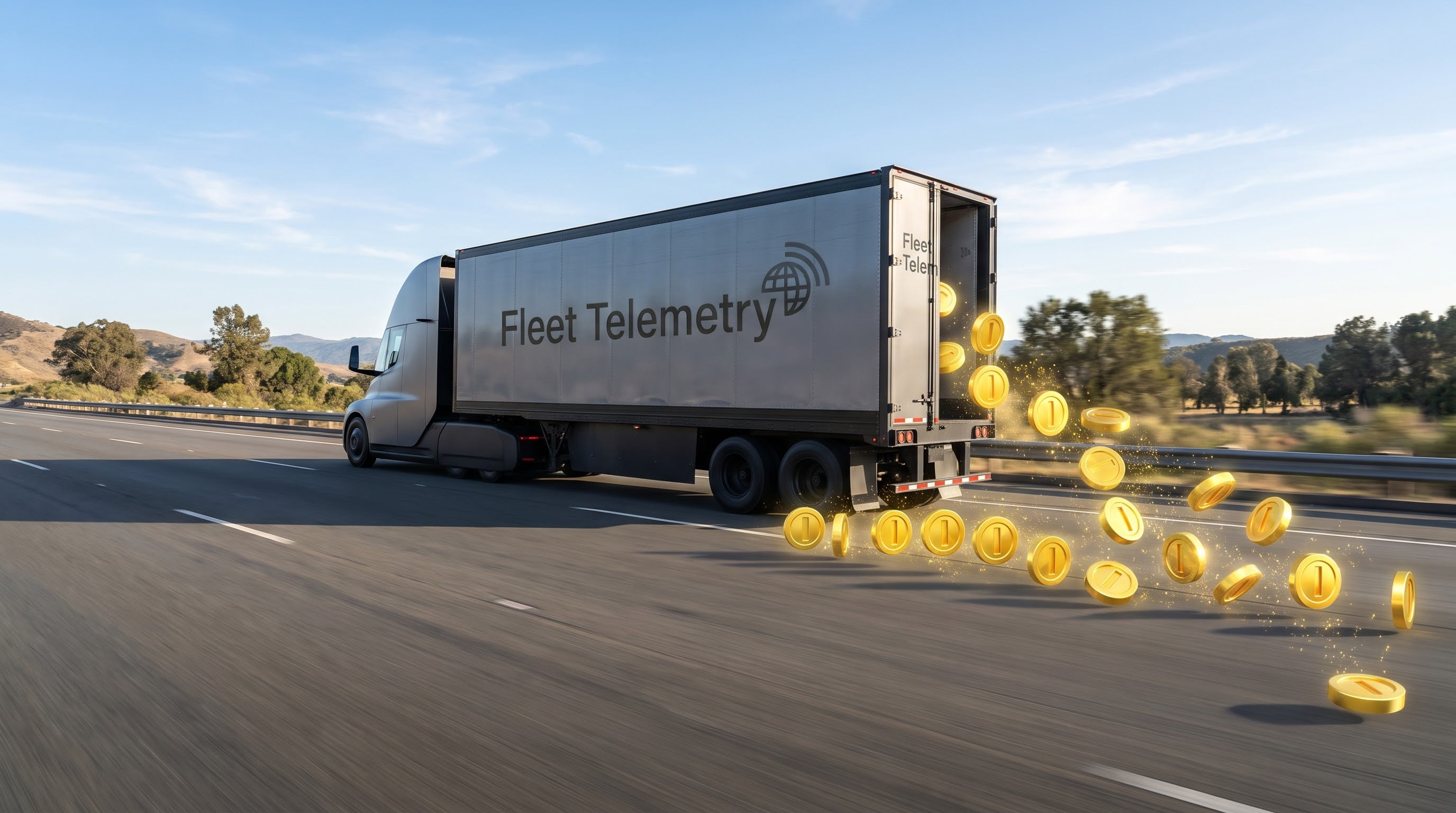
Since Teslemetry launched, it has offered nearly unlimited Fleet Telemetry. Most of you stream a modest amount, but some customers consume far more than their fair share, and Teslemetry pays for every telemetry value a vehicle sends. So the goal is reasonable but flexible limits: an allowance that covers what most users need, and functionally unlimited Fleet Telemetry for power users, at a price that reflects what it costs.
That's the streaming allowance. Every vehicle plan now includes one, and Pro and Max give a vehicle more of it (and more command credits). Until now it has only been informational: the console shows how much of it you use, and nothing happens if you go over. That changes in two steps, on December 1 and January 1. The Vehicle Access allowance is enough for most users, so most of you won't notice either one.
No artificial minimum intervals
Before this change, the only way Teslemetry could control streaming costs was artificially increasing the minimum interval on costly fields. Alongside the allowance change, field minimum intervals have been lowered to the lowest values Tesla allows. Most fields now accept an interval of 1 second, and the few that don't are held only at the longer minimum the vehicle itself enforces. The allowance limits how much a vehicle streams in total, not how you spend it, so you can choose what suits your use case: a few fields every second, or many fields at longer intervals.
Free, regular, and expensive fields
Not every field costs the same, but I wanted a config's cost to be predictable upfront. So in the console, each field is categorised by how often it typically sends, because that's what Teslemetry pays for.
- Free fields only change when an infrequent event happens, like a door opening or a charge starting. They send only when their value changes, so they don't count towards your allowance at all.
- Regular fields, the ones with no label, send mostly while the vehicle is in use, so they cost a moderate amount.
- Expensive fields send constantly, even when you're not driving. A vehicle sitting idle in the garage can still use a lot of its allowance on these alone, especially at short intervals.
So if you want to stream more, go crazy with Free fields, and be careful with the interval you choose for anything Expensive.
December 1: no new streaming over your allowance
From December 1, if a config change would raise a vehicle's usage and leave it above its allowance, the change is refused. The API answers with a 402 and the error streaming_allowance_exceeded, and nothing changes on the vehicle.
Streaming that already runs keeps working. If a vehicle is over its allowance on December 1, nothing stops and no field is switched off. You just can't take it higher. You can still:
- Send the same config again
- Remove fields or lengthen intervals
- Swap to a config that uses the same amount or less
- Add Free fields, which send only when their value changes and use none of the allowance
To add any other field to a vehicle that's over its allowance, you'll need to free up the same amount first, or move the vehicle to a higher plan.
January 1: vehicles still over are reconfigured
From January 1, Teslemetry will reconfigure any vehicle still over its allowance. No field is removed. Everything you stream keeps streaming, but some fields will send less often. The changes happen in this order:
- Expensive fields are raised to their default interval.
- Regular fields are raised to their default interval.
- If the vehicle is still over, Expensive fields are raised beyond their default interval.
We stop as soon as the vehicle is back within its allowance, so a vehicle that's only slightly over may never get past the first step. Customers with a vehicle over its allowance will also hear from us by email.
If you'd rather choose which fields slow down, make the change yourself before January 1.
How to see your usage
In the console, open a vehicle and choose Telemetry Configuration. Streaming allowance used shows the percent of that vehicle's plan allowance your config uses, where 100% is the whole allowance. Above 100%, the bar turns red and the page tells you the config is above your plan's allowance.
Above 80%, a Use less of your allowance card also appears. It names the fields using the most, suggests a longer interval for each, and when you're over the allowance it tells you which plan the config would fit.
If you'd rather check from code, the same number is in streaming_allowance_percent when you read a vehicle's config:
curl 'https://api.teslemetry.com/api/config/{vin}' \
  --header 'Authorization: Bearer ACCESS_TOKEN'
It's also returned after a successful POST or PATCH to the same path. It only counts your own fields, not those another customer or a connected business streams from the same vehicle.
How to get under your allowance
You have two options, and you can choose differently for each vehicle.
Lower your config. Remove the fields you don't use, or lengthen their intervals, starting with anything labelled Expensive. A field's usage scales with its interval, so doubling the interval halves what that field uses.
Move the vehicle to a higher plan. Plans are per vehicle, so only the vehicles that need it have to move. Pro gives 5x and Max gives 20x the Vehicle Access allowance, which is more than any real configuration can use, and the percent you see is always against the vehicle's current plan. A config at 300% on Vehicle Access is 60% on Pro. You can compare plans on the pricing page, and change a vehicle's plan under Modify on your subscription page.
Teslemetry for Business isn't part of this change: business config changes aren't limited by the allowance.
If you have any questions, please contact support or find me on Discord.
TLDR
- Field minimum intervals are lowered to the lowest values Tesla allows, 1 second for most fields
- Free fields don't count towards your allowance. Expensive fields send constantly, even when idle, so they cost the most.
- December 1: a config change that raises a vehicle's usage and leaves it over its allowance is refused with a
402. Streaming that already runs keeps working. - January 1: vehicles still over are reconfigured until they fit. Expensive fields go to their default interval, then regular fields, then Expensive fields go higher if needed. No field is removed.
- See your usage under Telemetry Configuration in the console, or in
streaming_allowance_percentfrom the API - To fix it, lower that vehicle's config or move it to a higher plan. See the pricing page
Force charge and force discharge your Powerwall
For the first time, Powerwall owners can tell their battery to charge or discharge on command, and Teslemetry is bringing it to Home Assistant core.
Full control of your Powerwall and Tesla, wherever you automate
Island mode, battery dispatch, Charge on Solar and every API command, local first where it can be, now across Home Assistant, Homey, Node-RED and n8n.