%20--%3e%3cdefs%20id='defs1'%3e%3cstyle%20id='style1'%3e%20.st0%20{%20fill:%20%233d6db5;%20}%20.st1%20{%20fill:%20%231c3b6b;%20}%20.st2%20{%20fill:%20%23fff;%20stroke:%20%23231f20;%20stroke-miterlimit:%2010;%20stroke-width:%20.2px;%20}%20.st3%20{%20fill:%20%23a0bddf;%20}%20%3c/style%3e%3c/defs%3e%3cg%20id='g5'%20style='display:inline'%20transform='translate(-40.6,-37.6)'%3e%3cpolygon%20class='st0'%20points='138.3,37.6%20206.8,105.9%20402.6,105.7%20343.3,165%20206.5,165%20138.4,233.1%2040.6,135.4%20'%20id='polygon4'%20/%3e%3cpolygon%20class='st0'%20points='359.5,203.5%20427.6,135.3%20525.4,233.1%20427.7,330.9%20359.2,262.5%20163.1,262.8%20222.6,203.5%20'%20id='polygon5'%20/%3e%3c/g%3e%3c/svg%3e)
%20--%3e%3cdefs%20id='defs1'%3e%3cstyle%20id='style1'%3e%20.st0%20{%20fill:%20%233d6db5;%20}%20.st1%20{%20fill:%20%231c3b6b;%20}%20.st2%20{%20fill:%20%23fff;%20stroke:%20%23231f20;%20stroke-miterlimit:%2010;%20stroke-width:%20.2px;%20}%20.st3%20{%20fill:%20%23a0bddf;%20}%20%3c/style%3e%3c/defs%3e%3cpath%20class='st0'%20d='m%20177.7,11.4%20h%20-59.5%20v%2073.9%20h%2059.5%20V%2072.5%20H%20131.8%20V%2024.2%20h%2045.9%20z%20m%20-7.9,43.3%20V%2041.9%20h%20-24.7%20l%20-4.3,12.8%20h%2029.1%20z%20M%20247.3,42.2%20C%20237.2,39%20228,36.7%20228,29.7%20c%200,-7%205,-7.7%2015.3,-7.7%2010.3,0%2014.9,2.3%2022.5,6.6%20L%20272.5,18%20C%20262.8,12.4%20254,9.9%20244,9.9%20c%20-10,0%20-17.4,2%20-22.7,5.8%20-4.9,3.6%20-7.4,8.6%20-7.4,14.5%200,14.9%2014.4,19.4%2027.2,23.4%209.8,3.1%2018.8,5.6%2018.8,12.4%200,6.8%20-6.6,8.7%20-16.7,8.7%20-10.1,0%20-16.4,-2.6%20-23.9,-6.8%20l%20-6.9,10.9%20c%209.7,5.6%2019.3,8.2%2030.2,8.2%2016,0%2031.4,-5.5%2031.4,-21.9%200,-16.4%20-14.2,-18.9%20-26.6,-22.8%20z%20m%2078.1,-30.8%20h%20-13.6%20v%2051.9%20l%2013.6,-4.6%20V%2011.5%20Z%20m%2038.2,73.8%20V%2072.4%20h%20-51.9%20v%2012.8%20z%20m%2095,-73.8%20h%20-59.5%20v%2073.9%20h%2059.5%20V%2072.5%20H%20412.7%20V%2024.2%20h%2045.9%20z%20m%20-7.9,43.3%20V%2041.9%20H%20426%20l%20-4.3,12.8%20h%2029.1%20z%20M%20564.9,11.4%20537.1,52.7%20507.7,11.4%20h%20-10.5%20v%2073.9%20h%2013.6%20V%2037.2%20l%2022.6,31.9%20h%207.5%20l%2038.7,-57.7%20h%20-14.8%20z%20m%20-0.4,73.8%20H%20578%20V%2031.3%20L%20564.5,51.5%20Z%20M%20679.6,11.4%20h%20-59.5%20v%2073.9%20h%2059.5%20V%2072.5%20H%20633.7%20V%2024.2%20h%2045.9%20z%20m%20-7.9,43.3%20V%2041.9%20H%20647%20l%20-4.3,12.8%20h%2029.1%20z%20M%20778.6,24.2%20V%2011.4%20h%20-65.3%20v%2012.8%20z%20m%20-39.4,61%20h%2013.5%20V%2032.4%20L%20739.2,37%20Z%20M%20853.5,24.9%20h%200.1%20c%206.8,0%2012.2,5.4%2012.2,11.9%200,6.5%20-7.3,14.2%20-18.4,14.2%20h%20-10.5%20l%2029.3,34.2%20h%2016.9%20L%20861.5,60.1%20c%2010.6,-3.2%2017.9,-12.4%2017.9,-23.2%200,-10.8%20-11.5,-25.5%20-25.8,-25.5%20h%20-38.9%20v%2073.9%20h%2013.6%20V%2025%20h%2025.1%20z%20M%20981.4,11.4%20957.5,46.7%20949.7,35.2%20965.9,11.4%20Z%20M%20951.3,74.5%20V%2053.1%20L%20923.2,11.4%20h%20-15.5%20l%2030,44.5%20V%2074.6%20L%20926.9,85.4%20944.5,103%20962.1,85.4%20951.3,74.6%20Z%20M%2055.5,85.2%20H%2041.9%20V%2032.3%20H%2055.5%20Z%20M%2028.3,10.8%2017.5,0%200,17.5%2017.5,35%2028.3,24.3%20h%2048.5%20l%204.6,-13.5%20z'%20id='path1'%20/%3e%3c/svg%3e)
Bluetooth Vehicle Control

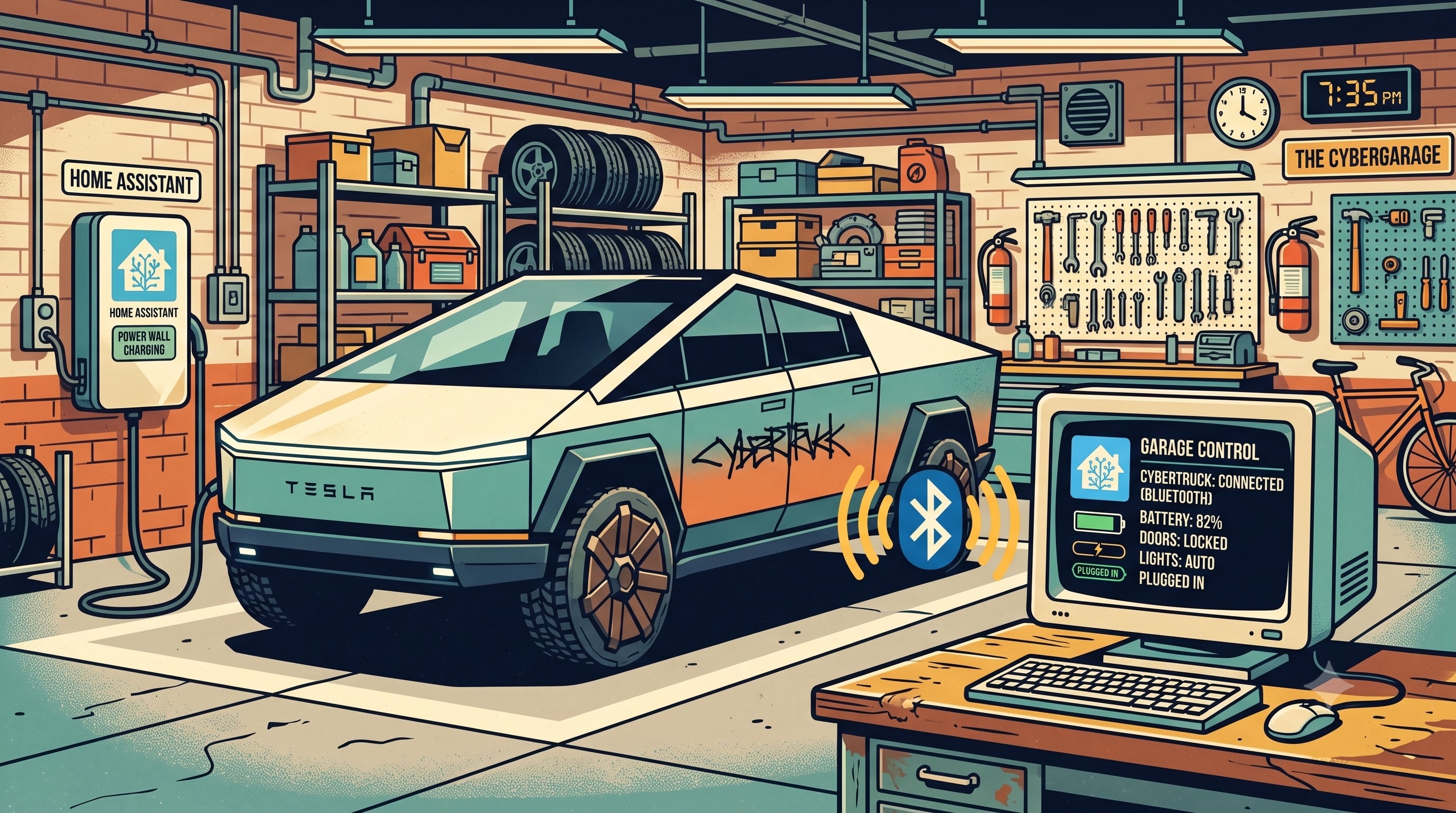
Every command Teslemetry sends to your vehicle today takes the same path: up to Teslemetry's servers, out to Tesla's servers, down to the car. That works well, but it means every lock, unlock, or climate command depends on your internet connection, Tesla's API, and the car having connectivity. The Home Assistant integration now has a new option that skips all of that entirely: Bluetooth.
Straight to the car
The latest beta of the Home Assistant integration adds local Bluetooth control for your vehicle. Once paired, supported commands like locks, climate, and charging are sent directly to the car over BLE first, falling back to the cloud automatically, per command, whenever a local connection isn't available. No API call, no command credits, no internet hop, no dependency on Teslemetry's or Tesla's servers being up.
This matters most in the situations where cloud control is at its weakest: a flaky home internet connection, a Tesla API outage, or a vehicle sitting in a garage with poor cellular reception. If the car is within Bluetooth range of your Home Assistant server, or a Bluetooth proxy, your commands still get through. The other major benefit is for high-volume use cases like charge on solar, which can bypass command credits entirely, allowing you to make frequent fine adjustments.
What you'll need
- Home Assistant, on a stable core from 2026.7.0 or newer.
- The
hass-teslemetrycustom integration installed via HACS, since Bluetooth control isn't in the core integration yet. - A Bluetooth adapter in range of your vehicle. If your Home Assistant server doesn't have Bluetooth built in, or your car usually parks out of range of it, Home Assistant's existing Bluetooth proxy support has you covered: a cheap ESP32 running ESPHome's Bluetooth proxy firmware, placed in your garage or driveway, extends coverage to wherever you need it.
- One-time pairing per vehicle. Reconfigure the vehicle in the integration to add its virtual key over Bluetooth, then approve it once on the car's touchscreen. After that, no further pairing is needed.
Getting started
Bluetooth control ships through the beta channel of the Home Assistant integration, installed via HACS as described in the docs. As with any beta, expect things to keep moving quickly, so keep an eye on the release notes as it stabilizes.
Install with HACSHow we got it reliable
Bluetooth is a much less forgiving transport than a REST API, and Tesla only provides limited documentation on how Bluetooth communication works. There's no server to retry a bad request for you, and a car doesn't respond like a web service does, so getting this from "it connects in the lab" to "it works every time" took a lot of iteration against a real, parked vehicle. We leaned on Firstmate, Claude Code and an automated test harness to do most of that iterating.
The first challenge was getting the agent, running on a headless server nowhere near the Tesla vehicle, access to it over Bluetooth. We already mentioned above how ESPHome Bluetooth proxies can help bridge this, but we needed this to work outside Home Assistant, so using bleak-esphome the agent could connect to my existing Bluetooth proxy. However, we soon realised Home Assistant didn't like sharing, so I built a dedicated ESPHome Bluetooth Proxy for the agent to own.
With a reliable connection in hand, the harness worked through the full command surface against the car - locks, climate, charging, media, navigation - catching a few real bugs along the way, like a mis-mapped seat heater setting.
The most useful thing it found wasn't a bug, but a rule: a Bluetooth timeout on a command that changes the vehicle's state doesn't mean the command failed. We proved this directly - a lock command timed out over Bluetooth, and the door had locked anyway. Reads get an acknowledgement plus the requested data back, which is self-checking; actuations like locking a door only get a bare acknowledgement, and if that one packet goes missing, you see a timeout even though the car already acted. So the integration never treats a timeout as a failure and never blindly retries a command that changes state - it always double-checks with a follow-up read instead. The same testing cut the typical time to confirm a lock or unlock from around six seconds down to about one, by fixing how the library waited for that acknowledgement.
By the time we sat down next to the actual car and tested every physical command by hand - doors, frunk, trunk, charge port, horn - it worked exactly as expected. That's the bar we hold a beta release to.
More local control on the way
Bluetooth control is the first piece of a broader push towards local control that doesn't stop at your vehicle. Local data access will be coming soon, and local command routing for Powerwall over the local network is being worked on in parallel. The goal across both is the same: give you access to your Tesla products' data as easily as possible.